
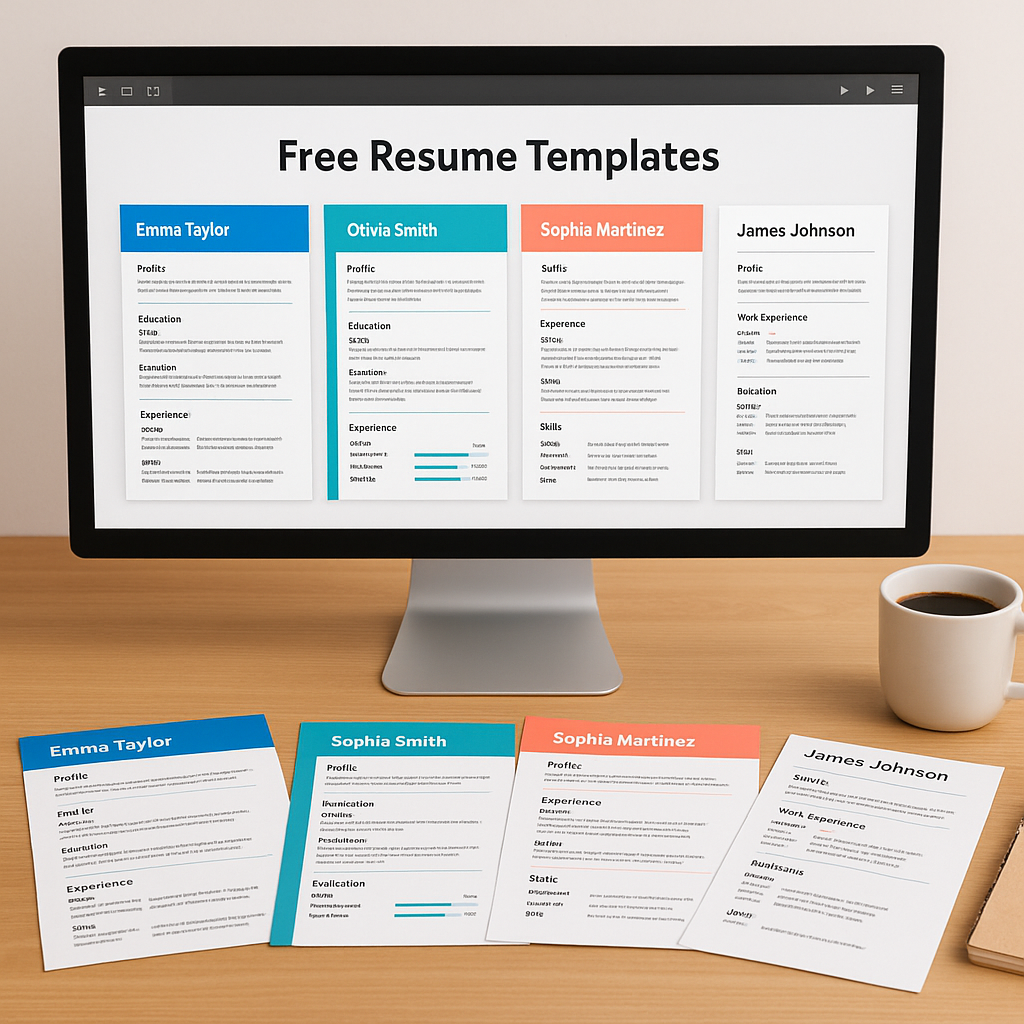
Navigating the World of Free Resume Templates
Discover how to navigate the world of free resume templates, choose the right design for your industry, and create a standout resume to impress potential employers.
Navigating the World of Free Resume Templates
Estimated reading time: 7 minutes
Key Takeaways
- Match the template to your industry: creative roles can lean visual; conservative fields prefer clean, minimal structures.
- Prioritize ATS-readiness: use clear headings, standard fonts, and role-specific keywords for better parsing.
- Customize relentlessly: templates are a starting point—your metrics, achievements, and language make it unique.
- Choose reputable sources: focus on quality, security, and editability to avoid formatting headaches.
- Substance beats style: design should never overshadow clarity, relevance, and measurable impact.
Table of Contents
Introduction
Resume writing can feel daunting—but free resume templates make it easier than ever to build something polished and professional. The real challenge isn’t finding a template; it’s choosing the right one and tailoring it so hiring managers see the best version of you.
“A template gets you started; your story gets you shortlisted.”
This guide shows you how to pick, customize, and confidently ship a resume that stands out—without paying a cent.
Understanding Free Resume Templates
Free templates come pre-formatted with helpful sections—summary, experience, education, and skills—so your information lands in the right places. Many include built-in color schemes and type pairings that look professional out of the box.
If you’re deciding how to choose among dozens of similar options, start with clarity and structure. For additional selection tips and ATS-friendly insights, see Unlocking the Power of Free ATS Resume Templates for Job Applications.
- Pros: speed, consistency, and built-in best practices.
- Watch-outs: over-designed layouts, multiple columns, and graphics that can confuse ATS.
Optimal Choice of Free Resume Templates
Start with role and industry fit. A graphic designer can use color and subtle layout flourishes; a finance or legal candidate should choose a straightforward, single-column design.
Consider career stage:
- Senior roles benefit from room for impact metrics, leadership highlights, and select projects.
- Entry-level or internship resumes shine with clean sections, coursework, and concise bullet points.
For role-specific guidance, especially for early-career engineers, explore Creating the Perfect Fresher Resume Engineering.
Selling Yourself Effectively on Free Resume Templates
No template can replace your narrative. Tailor each application by mirroring language from the job description and prioritizing accomplishments that map to must-have skills.
- Lead with outcomes: “Increased demo-to-close rate by 22%” beats “Responsible for demos.”
- Use tight bullets: action verb + task + measurable result.
- Place the most relevant experience higher—even if it’s not the most recent.
To improve your chances against automated filters, don’t miss How to Overcome Resume Screening Software and Land Your Interview in 2025.
“Generic templates create generic outcomes. Customize to the role; quantify to win.”
Choosing High-Quality Free Resume Templates
Prioritize reputable, secure sources and templates that balance inherit space with content density. Look for designs that keep sections clean, avoid heavy graphics, and remain easy to edit in your preferred tool.
- Checklist: single column, clear headings, adjustable margins, consistent bullet styles, and accessible fonts.
- Sanity test: print to PDF and view on mobile—does it remain readable and clean?
When in doubt, ask a mentor to scan for clarity and impact. For more ways to differentiate your application, read How to Make a Resume Stand Out.
Overcoming Challenges With Free Resume Templates
Some templates restrict editing or break when you add content. If you’re wrestling with formatting, switch to a flexible option and keep styling minimal.
- If content won’t fit: reduce fluff, merge similar bullets, or move older roles to a concise “Earlier Experience.”
- If ATS parsing fails: avoid tables and text boxes; use standard headings like “Experience,” “Education,” and “Skills.”
- If design looks busy: remove icons, tighten spacing, and keep a single accent color.
The right template reads smoothly, scans quickly, and edits easily—so your achievements do the talking.
Conclusion
The universe of free resume templates is vast—but with a little strategy and customization, you can showcase your skills with clarity and confidence. Choose a template that aligns with your industry, tailor it for every application, and let your results shine. Your next opportunity may be one great page away.
FAQ
What makes a good free resume template?
A strong template is single-column, ATS-friendly, and easy to edit. It prioritizes legibility, consistent spacing, and clear section headings.
Are free resume templates ATS-friendly?
Many are—if they avoid complex tables, graphics, and multi-column structures. Favor standard headings and simple formatting for optimal parsing.
Should I use color and graphics?
Use color sparingly for headings or dividers. Avoid heavy graphics or icons that could confuse parsing or distract from content.
How long should my resume be?
Most early-career candidates should target one page. Senior professionals with substantial impact can use two pages—if every line earns its place.
PDF or DOCX—what should I submit?
Submit PDF for consistent rendering unless the employer or portal explicitly requests DOCX. Always follow posted instructions.